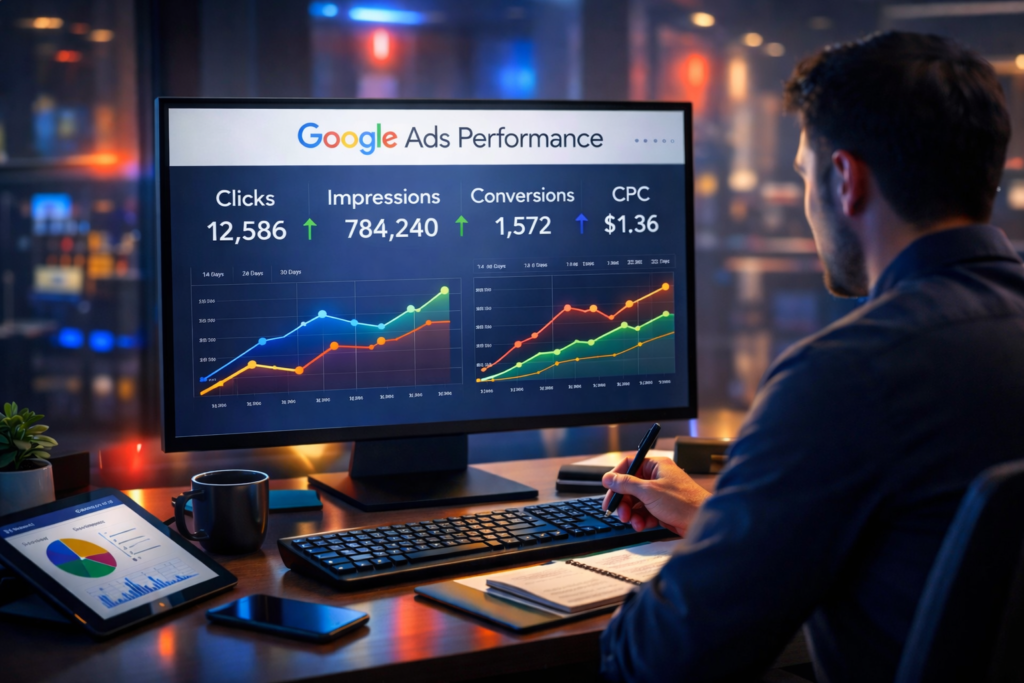
Google Ads Explained : How It Works & Benefits
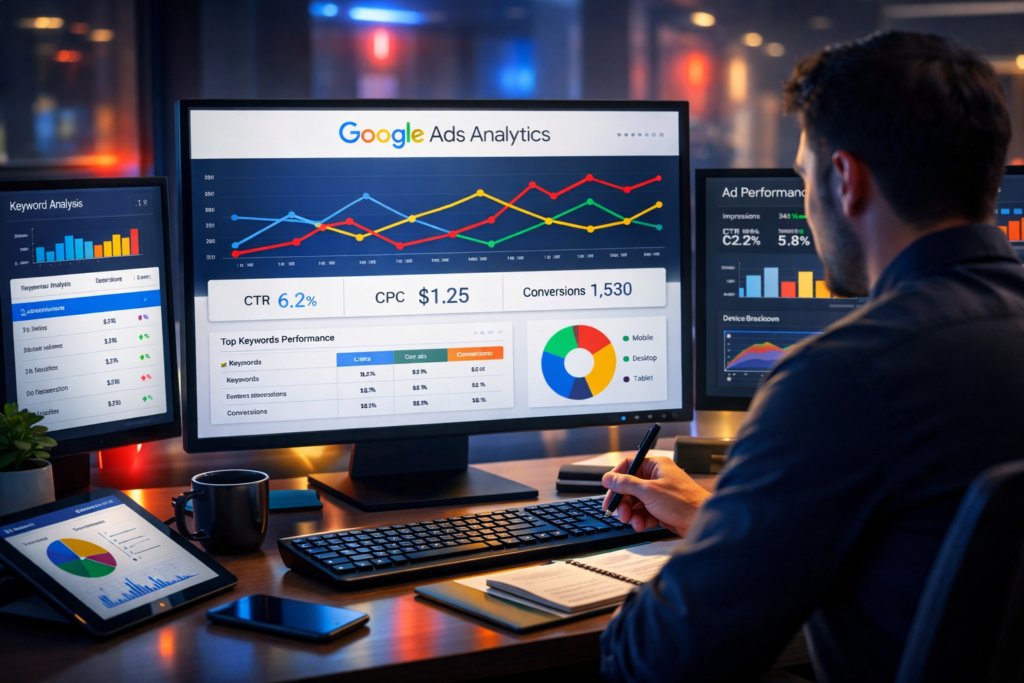
In today’s digital world, businesses want to reach customers quickly and effectively. One of the most powerful tools for this is Google Ads. If you have ever searched something on Google and noticed the first few results labeled as “Sponsored” or “Ad”, those are created using the answer lies is Google Ads Explained for you.
As a blogger with over 5 years of experience in digital marketing and content creation, I have seen how Google Ads can help businesses generate instant traffic, leads, and sales. In this blog, we will understand what is, how it works, and why it is important for businesses and marketers.
What is Google Ads explain
It is an online advertising platform developed by it that allows businesses to display ads on Google’s search engine results page (SERP), websites, YouTube, and mobile apps.
In simple words:
its helps businesses show their products or services to people who are actively searching for them online.
For example, if someone searches for:
“Best digital marketing course”
“Buy protein powder online”
“SEO services near me”
Businesses can create ads targeting these keywords so their website appears at the top of Google searchr
Why Google Ads Important?
Google processes billions of searches every day, which makes it the biggest search engine in the world. its allows businesses to take advantage of this huge audience.
Key Benefits and explained
Instant visibility on Google
Targeted advertising
Control over budget
Measurable results
High-quality leads
Unlike organic methods like SEO, Google Ads allows businesses to start getting traffic immediately after launching campaigns.
How Google Ads Works explained
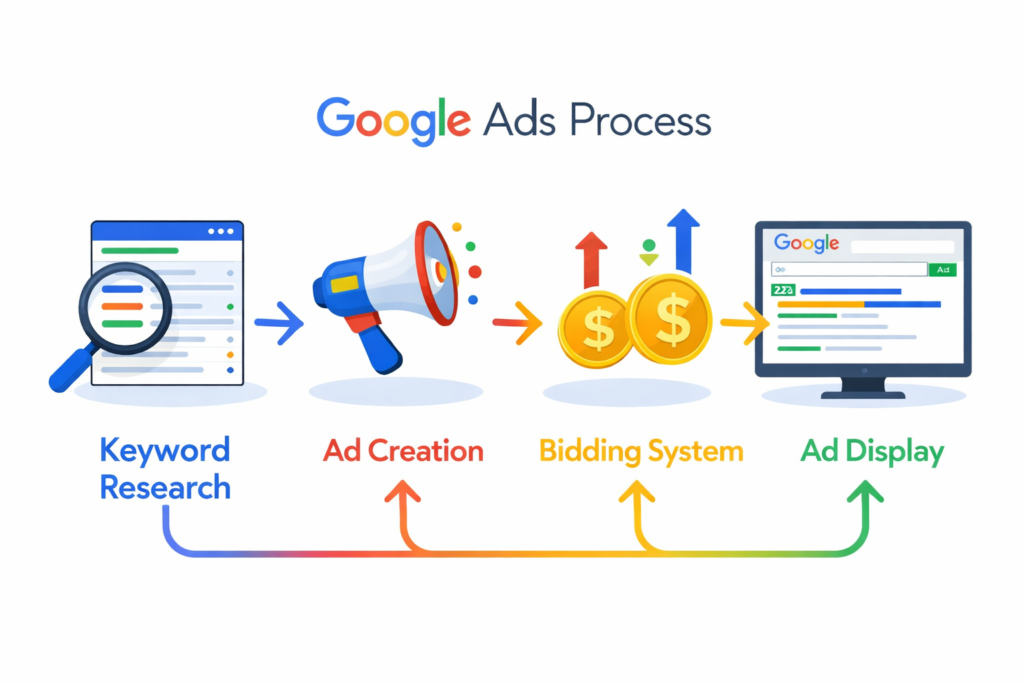
its works on a system called Pay-Per-Click (PPC). This means advertisers only pay when someone clicks on their ad.
Here’s a simple step-by-step process of how it works.
1. Choose Keywords explained
Advertisers select keywords related to their business.
Examples:
digital marketing course
protein powder online
website design services
These keywords help Google decide when to show the ad.
2. Create an Ad explained
Businesses create an ad that includes:
A headline
A short description
A landing page link
The goal is to make the ad attractive and relevant to the search query.
3. Bidding System explained
its uses an auction system.
Advertisers set the amount they are willing to pay for a click on their ad.
However, the highest bidder doesn’t always win. Google also considers:
Ad relevance
Quality score
Landing page experience
4. Ad Appears on Google explain
If the ad meets Google’s requirements and wins the auction, it appears on:
Google Search results
YouTube
Partner websites
Mobile apps
When someone clicks the ad, the advertiser pays for that click.
Types of Google Ads Campaigns and explained
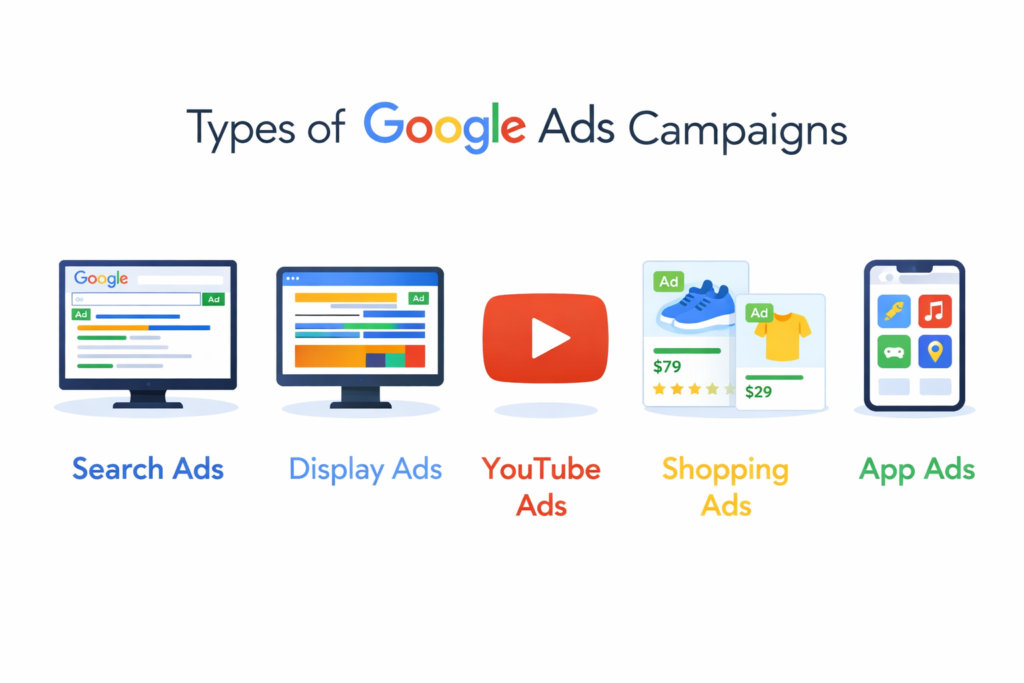
its offers different campaign types depending on your marketing goals.
1. Search Ads explained
Search ads appear on the Google search results page.
Example:
When someone searches “best gym near me,” a gym’s advertisement might appear at the top.
Best for:
Lead generation
Service businesses
Local businesses
2. Display Ads explained
Display ads appear on websites, blogs, and apps within the Google Display Network.
These ads can include:
Images
Banners
Graphics
Best for:
Brand awareness
Remarketing
Visual promotions
3. YouTube Ads explained
These ads appear on YouTube videos before, during, or after content.
Examples include:
Skippable video ads
Non-skippable ads
Discovery ads
Best for:
Video marketing
Product promotion
Brand storytelling
4. Shopping Ads explained
Shopping ads show product images, prices, and store details directly in Google search.
Best for:
E-commerce stores
Online retailers
Product-based businesses
5. App Ads expalined
App campaigns help businesses promote mobile applications across Google platforms.
Best for:
Increasing app downloads
App engagement
.
Key Components of a Successful Google Ads Campaign explained
Running ads is easy, but running profitable ads requires strategy.
Important elements include explain:
Keyword research
Compelling ad copy
Strong landing pages
Audience targeting
Budget optimization
Performance tracking
When these elements are optimized, businesses can achieve high ROI (Return on Investment).
Google Ads vs SEO expalined
Many beginners wonder whether they should focus on Google Ads or SEO. The truth is both have different advantages.
Google Ads explain
Paid traffic
Instant results
High control over targeting
Works immediately
SEO explain
Organic traffic
Takes time to rank
Long-term benefits
No cost per click
Most successful businesses use both SEO and Google Ads together to maximize online visibility.
Tips for Beginners
If you are new to , here are some practical tips to get started.
1. Start with a Small Budget
Test your ads first before increasing spending.
2. Focus on High-Intent Keywords
Target keywords where users are ready to take action.
Example:
buy protein powder online
digital marketing course near me
3. Write Attractive Ad Copy
Your ad should clearly explain the value of your product or service.
4. Optimize Landing Pages
The page users land on should be:
Fast
Mobile-friendly
Relevant to the ad
5. Track Performance
Use analytics to track:
Clicks
Conversions
Cost per click
This helps improve future campaigns